Tuva Tools v3.0.4
Released 10/10/2023
This version of the Tuva tools prioritizes usability and accessibility. It includes improvements like appropriate font sizes and color contrast, age-appropriate axis labels, and enhanced touch device usability along with a few bug fixes.
Enhancements for Tuva Jr.
-
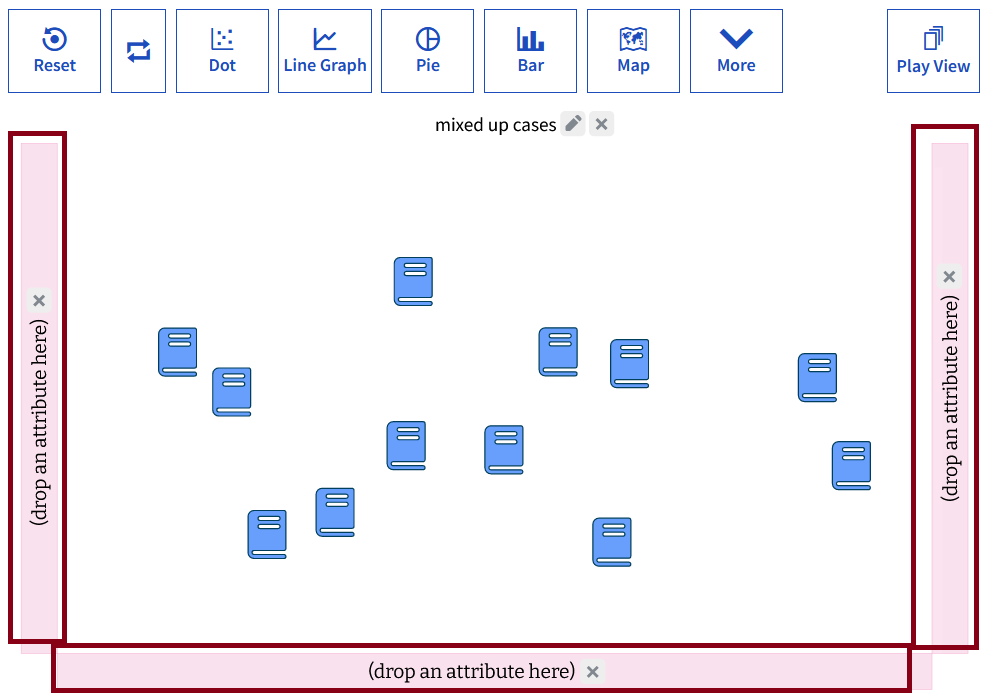
Age-appropriate Axis Labels: We have updated Tuva Jr. with age-appropriate axis labels. Now, the x-, y-, and Legend drop areas all read: "Drop an attribute here," making it more accessible for elementary students.
-
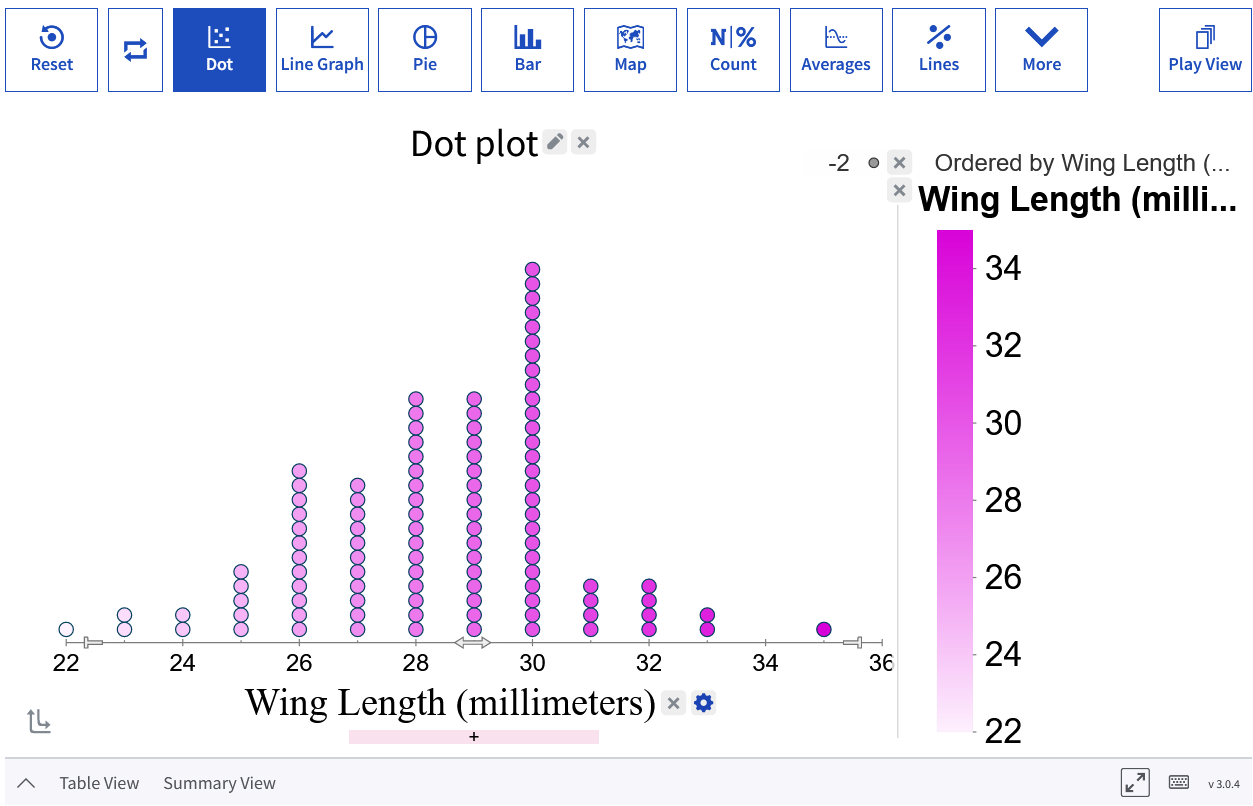
Saving and Restoring Font Size: Tuva Jr. now supports font size adjustments, enabling content creators to save and restore plot configurations with larger fonts for better visualization.
-
Enhancing Color Contrast: We identified a few issues pertaining to color contrast and made enhancements for better accessibility.
-
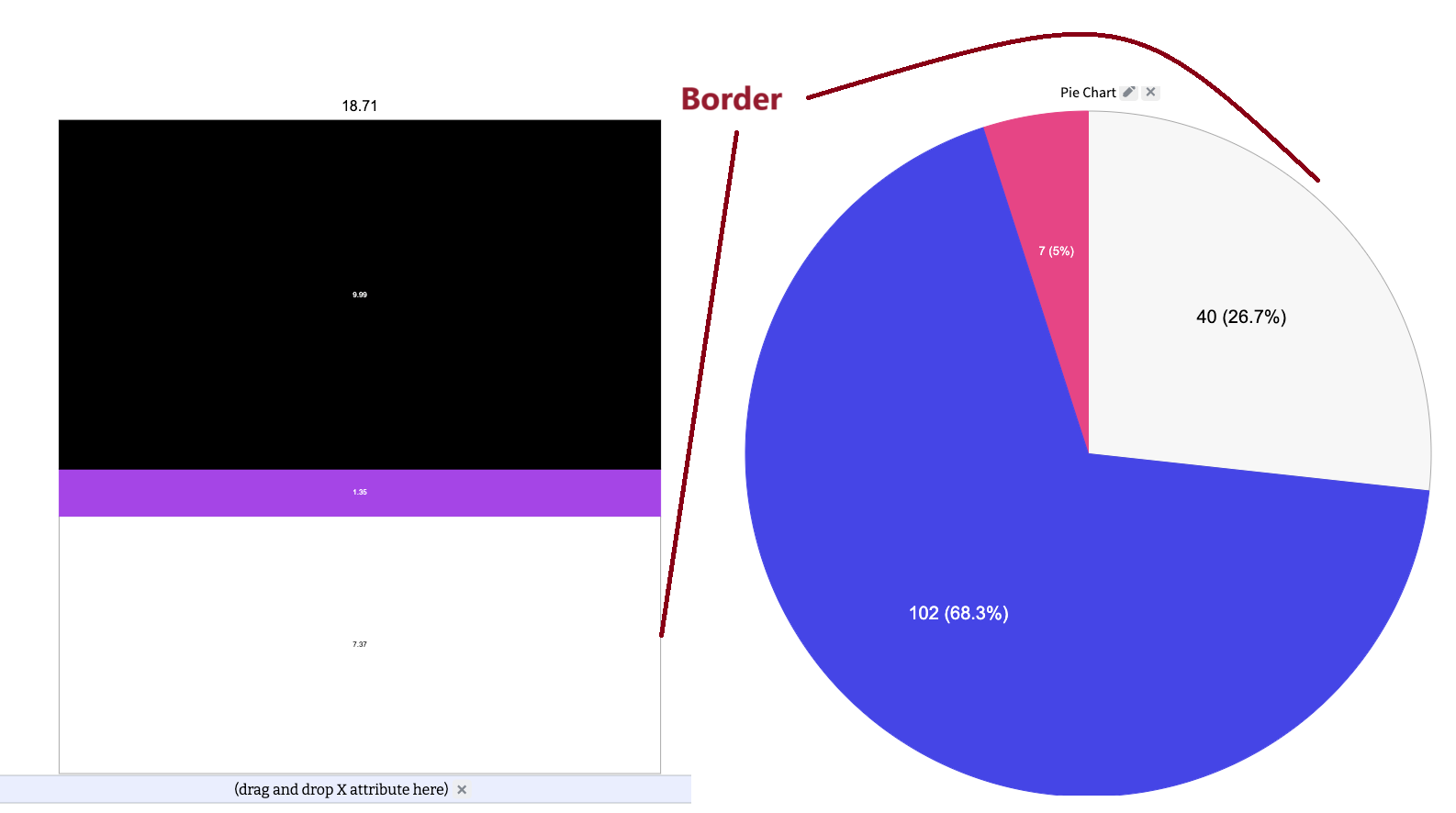
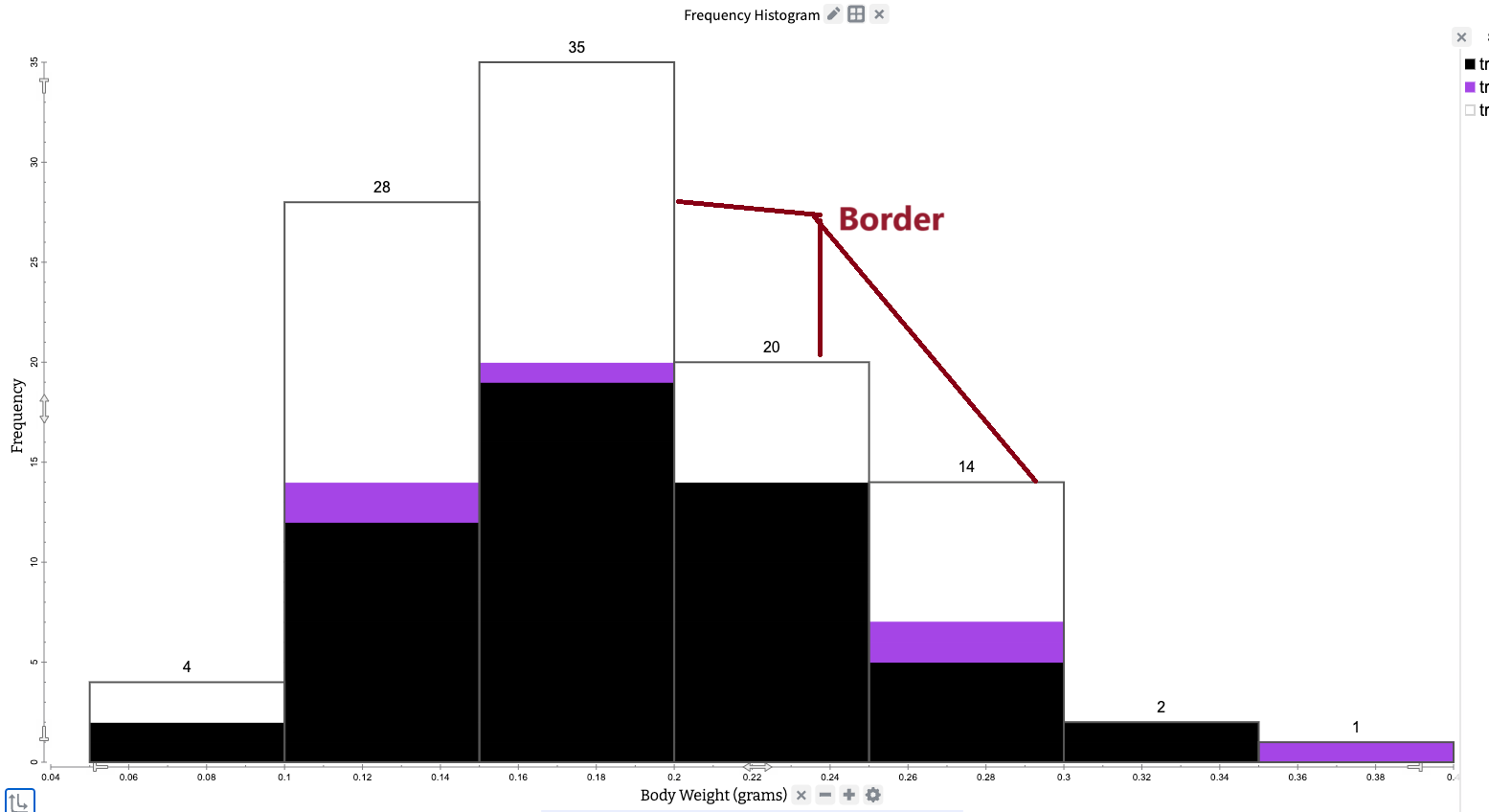
Enhanced Visibility of White or Light Cases against Plot Background: In cases where a bar section, pie section, or histogram appears notably lighter than the white background of the plotting area, a border now surrounds these cases to maintain their visibility.
-
Enhanced Visibility of Fonts against Dark Graphs: Count and percentage text within pie or bar sections now automatically adjusts its font color to either black or white, ensuring a minimum contrast level for improved visibility.
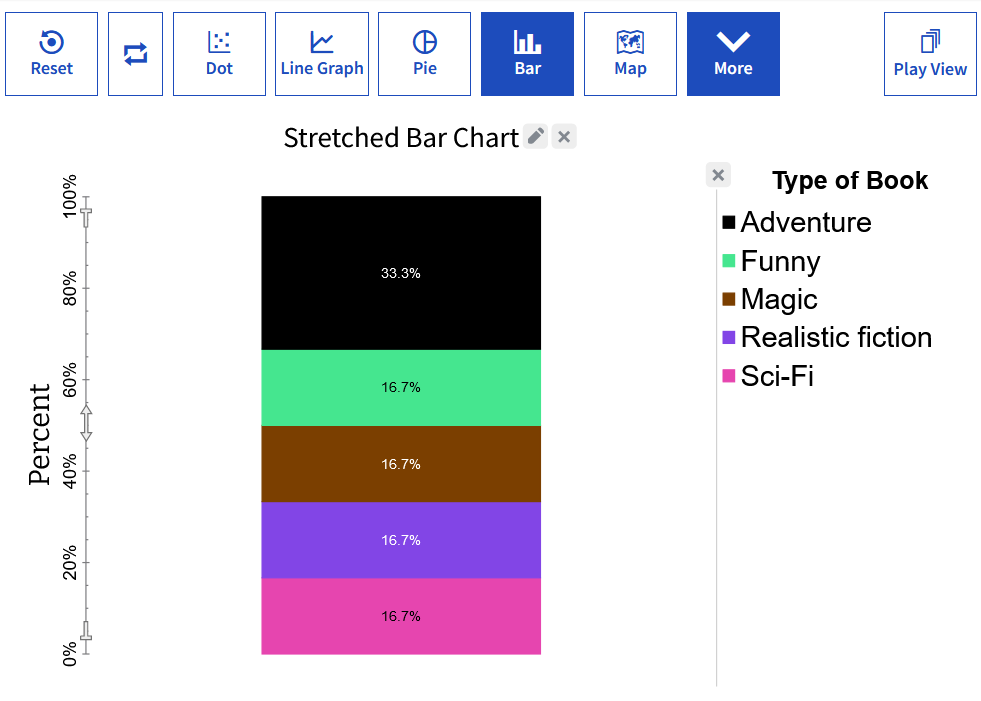
-
Enhanced Visibility of White or Light Cases against Plot Background: In cases where a bar section, pie section, or histogram appears notably lighter than the white background of the plotting area, a border now surrounds these cases to maintain their visibility.
- Enhancement to Touch Device Detection Logic: Our latest update includes improved touch detection logic to cater to devices like Chromebooks and Classroom Digital Boards, which were not recognized as touch devices in the previous version.
Bug Fixes:
- Authoring Tool Bug: We identified and fixed an issue where the draggable resize area for the table view was not appearing, preventing users from resizing the table view. Now, users can easily drag to adjust the table size instead of relying solely on the up/down arrow.
- Drag Card Issue on Chromebook with Touch in Tuva Jr.: We have enhanced the drag-and-drop functionality to smoothly move cards within Tuva Jr. when using a touchscreen on a Chromebook.
- Chromebook Touch Attribute Drop Issue: We have refined the attribute drop logic to effectively manage touch release events on Chromebooks.