Tuva Tools v2.13.0
Released 5/17/2022
This release is primarily focused on global font changes, snappier card designs, and sharper and bolder colors for the Stats lines and labels. Furthermore, we have new single-column designs for the Case Card and other Tuva Cards for smaller screens and embedded partner environments. Apart from this, we have made a number of bug fixes and small enhancements.
Changed:
-
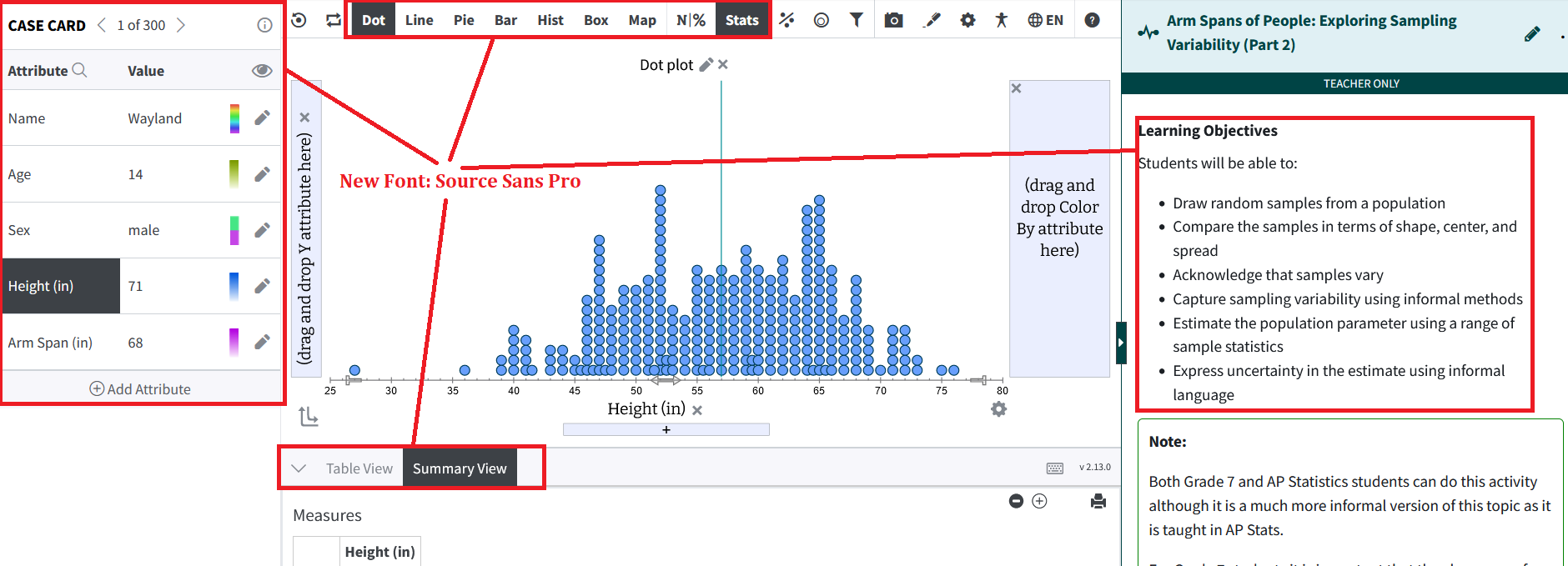
Global Font Change: We have switched to a new font style and size for the
data exploration environment that is narrower and allows more space for various elements in
the toolbar, in different types of cards and in the content panel.
-
Switching to Reduced Card Version: We have single-column, narrower designs
for all card types for smaller screens and partner embeds now. This allows for more space
for the graphing area. If the available width for the visualization environment (not the
actual browser width) is
<= to 870 pixels then the cards will switch to the narrower width.
-
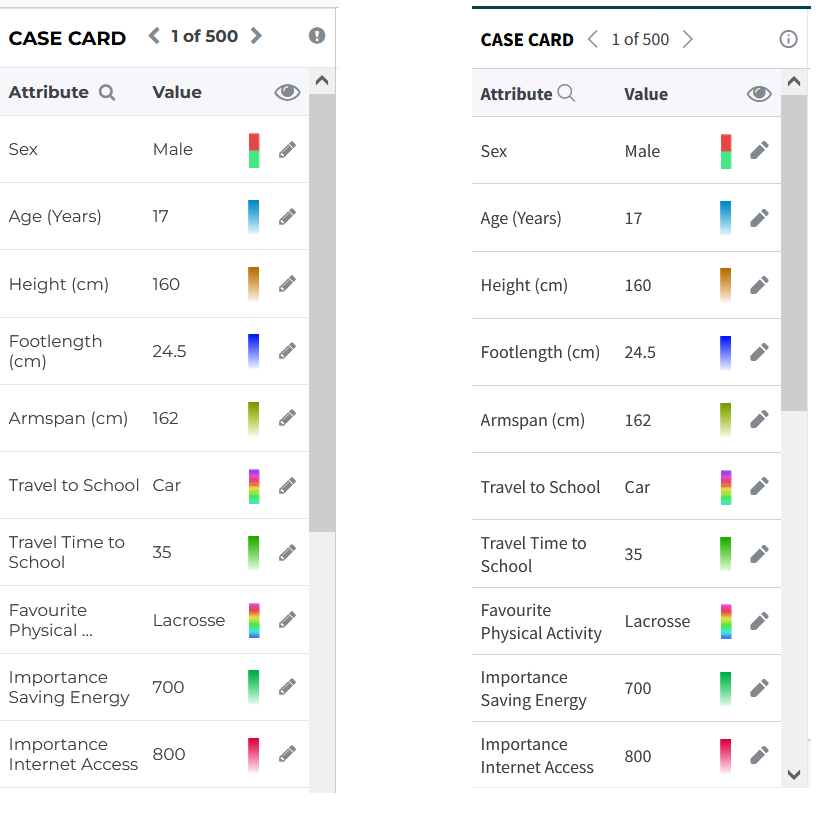
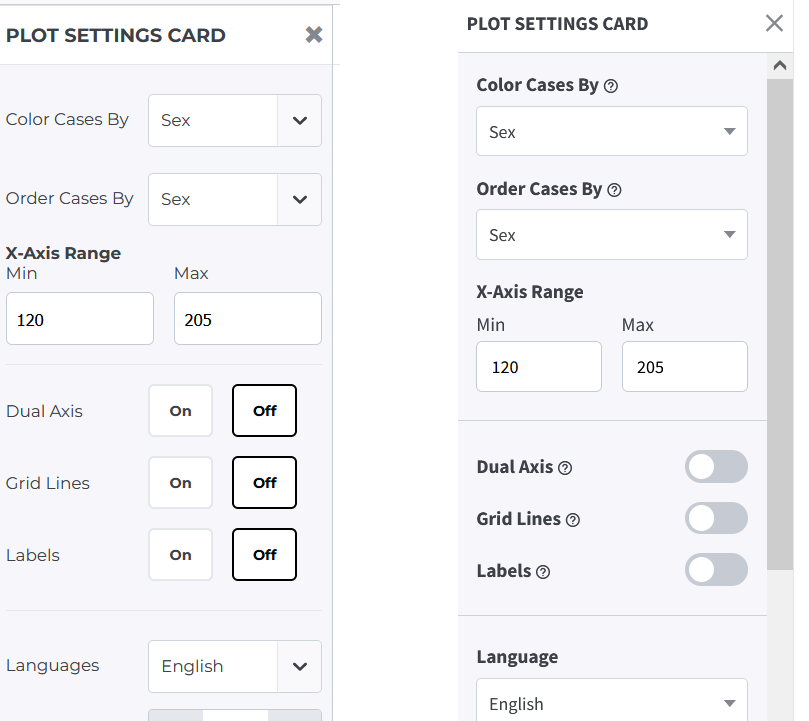
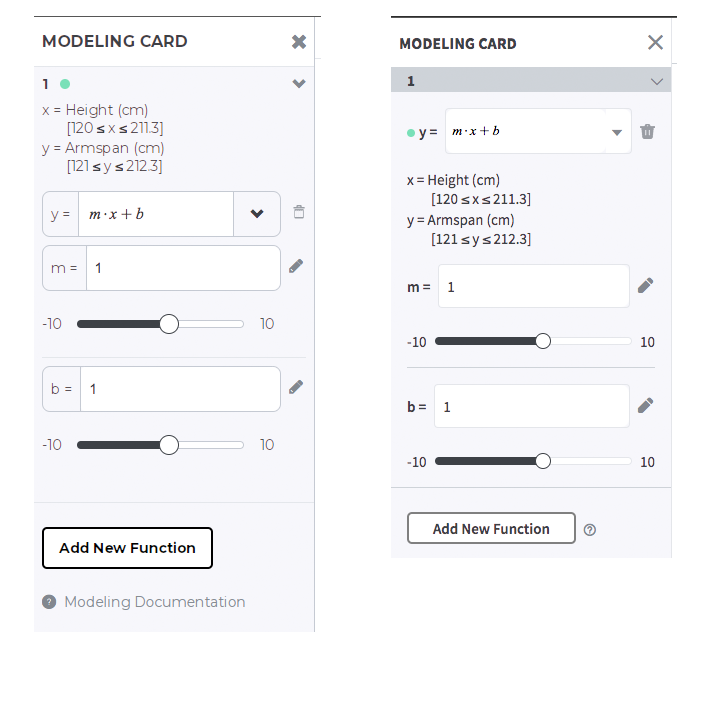
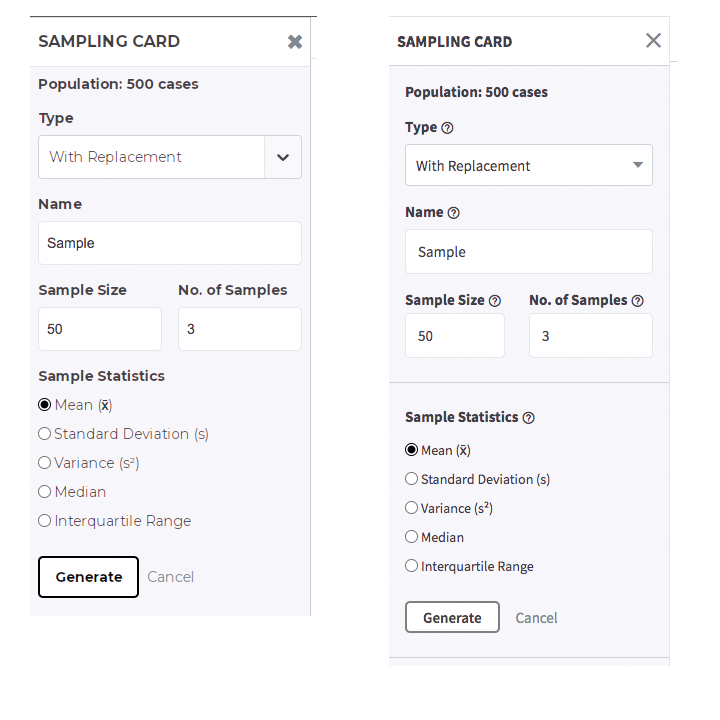
New Card Designs: We have snappier designs for all the cards, both the
regular and reduced versions, which optimize on space and enhance readability.
Here are a few screenshots showing the old and new designs:
-
Case Card:
Old Design:New Design:
-
Plot Settings Card:
Old Design:New Design:
-
Modeling Card:
Old Design:New Design:
-
Sampling Card:
Old Design:New Design:
Apart from these, we have new designs for the following cards:
- Attribute Settings Card
- Attribute Display Settings Card
- Add New Attribute Card
- Accessibility Card
-
Case Card:
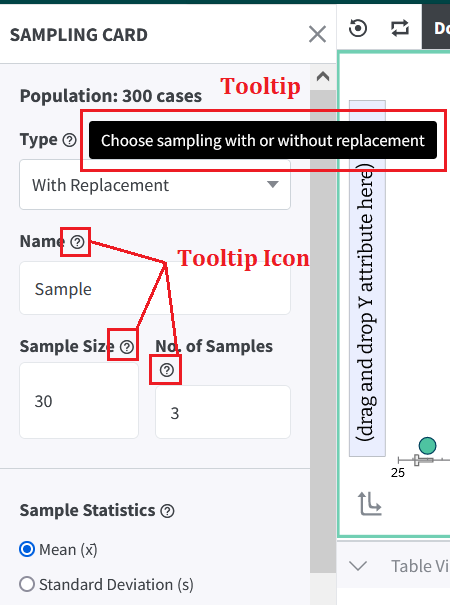
Bug Fixes:
- Movable Line with Dual Axis Plots: We fixed a bug with the movable line in Dual axis plots where when the user removed the attribute from the Y2 axis and/or when the user turned off the dual axis, the Y2 movable line did not update the labeling to Y (the remaining Y axis). A similar issue was arising with the reference lines.